Pointless Audio / Plugins / BucketMan
Bucket Brigade Delay · BBD pedal, 1980
BucketMan
Three ages of the same pedal: Stock, Serviced, Aged.
Analog BBD delay, rebuilt from measurements of a real vintage unit. Echo, chorus and vibrato — dark repetitions with all the grit of bucket-brigade circuits.
- Machine
- A bucket-brigade delay and chorus pedal, 1980
- Version
- v2.0.2
- Runs on
- VST3 · AU · CLAP — macOS, Windows, Linux
- License
- Pay once. No iLok, no account, no subscription
Or all six for €49, BucketMan included. Get all six · Money back in 14 days if it doesn’t run on your system.
5.0 from 53 ratings on Gumroad

What people say
…With beautifully realistic BBD Repeats and excellent Sync Options - And looks wonderfully worn in and filthy to boot!
I've been pretty amazed at the quality and sound of BucketMan. This is a seriously good new developer, who I'll be following with interest.
Hear it
The same take twice, level-matched. Switch the plugin off and on while it plays.
Keys
Long echo on the Rhodes
Each chord comes back many times, darker and dirtier every time: that is the bucket brigade. With bass and drums, the repeats fill the gaps.
Bass
Recorded bass with chorus
Only the bass goes through BucketMan. The note widens and wavers, like two basses a hair out of tune, and keeps its bottom.
Organ
Organ in the echo
The organ runs come back darker and dirtier and fill the pauses. With bass and drums, the echo becomes part of the groove.
What it does
Measured against a real unit
Version 2.0 is rebuilt from measurements of one real vintage analog delay. The bucket-brigade line runs at its real clock: long delays get darker and a little rougher, the way the hardware does.
A compander that breathes
The noise-reduction stage squeezes every repeat on the way in and expands it on the way out, like the original. CHARACTER ages it: a deeper dip when a note starts, a longer tail, repeats that die away sooner.
37 to 470 ms
DELAY has the travel of the original knob. With SYNC on, eight divisions run from a 1/16 triplet up to a quarter note; past 470 ms the line runs slower, darker and rougher.
Three hardware conditions
Stock, Serviced, Aged. Stock is the unit we measured. Serviced has about 10 dB less noise and more headroom. Aged adds noise and mains hum, and clips sooner. Aged is not for the faint of heart.
Echo, chorus, vibrato
The internal modulation turns the echo into a chorus or a vibrato that follows the delay time. Push FEEDBACK to the top and the line self-oscillates.
Where it works
Guitars, obviously. But also synth lines, vocal throws, drum sends — anywhere a digital delay would be too polite. Ten presets, from Slap to Broken Unit.
The heritage
The Memory Man line began in 1976; the Deluxe that BucketMan models arrived in 1980, designed by Howard Davis. Its bucket-brigade delay line, companding noise reduction and slow internal modulation are what shaped its repeats.
Most of U2’s earliest songs were recorded with nothing more than a Deluxe Memory Man into a Vox AC30 — Boy, and the records that followed through The Joshua Tree. The trick is the dotted eighth: repeats at 75% of a beat, landing between the notes you play, so you hear twice what you played.
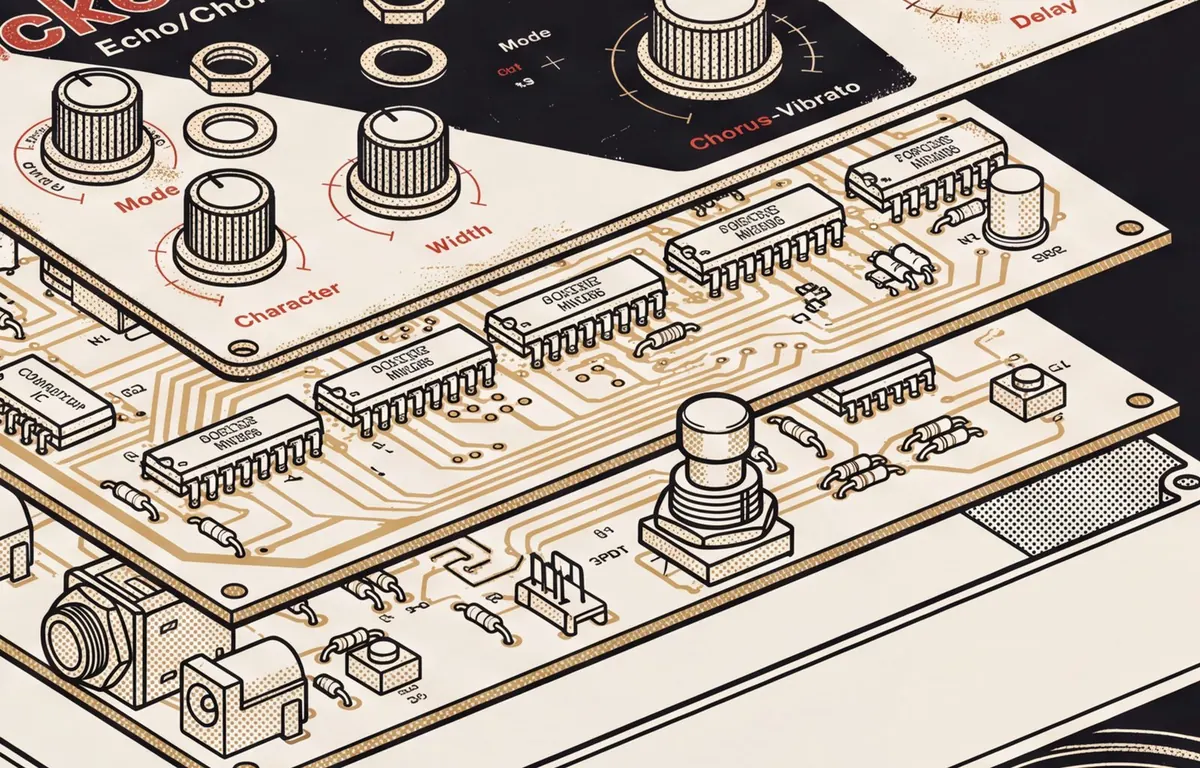
BucketMan models the full signal chain: bucket brigade, compander, LFO, and the aging instabilities that make every surviving unit slightly different. Version 2.0 was measured against one of them. It never quite repeats what you played. That’s the point.
Electro-Harmonix, Memory Man and Deluxe Memory Man are trademarks of New Sensor Corporation. Vox and AC30 are trademarks of Vox Amplification Ltd. Pointless Audio is not affiliated with, endorsed by, or sponsored by either company. Product names are used solely to describe the hardware that inspired this plug-in.
Specs
- Formats
- VST3 + AU + CLAP
- Platforms
- macOS (Universal) + Windows 10+ (VST3 + CLAP) + Linux x86_64 (VST3 + CLAP)
- Version
- v2.0.2
- License
- Perpetual — no account, no iLok, no subscription
- Manual
- Online manual · PDF
What’s new in 2.0
For those who have it
The delay, rebuilt from measurements of a real unit, behind a new interface.
- Delay
- The bucket-brigade line runs at its real clock, and the compander squeezes and expands the repeats like the original. With CHARACTER at zero the repeats keep the same decay whether you play quietly or hard.
- Time
- 37 to 470 ms (it was 20 to 550), with the knob travel of the original. SYNC has eight divisions, from a 1/16 triplet to a quarter note.
- Level
- LEVEL works like the original: at 0 it sits 33 dB below the maximum, not off. At 12 o’clock, with BLEND at 50 % and no feedback, the output is within 1 dB of the input, and a safety ceiling stops peaks at 0 dBFS.
- Character
- CHARACTER now ages the compander. MODE switches between Stock, Serviced and Aged: click the knob, click a name on the panel, drag it or use the mouse wheel.
- Interface
- New knobs, an OVERLOAD LED that lights 3.6 dB before the delay line clips, and real units in your host: ms, percent, dB.
- Presets
- All ten retuned on the new laws. Only Runaway self-oscillates.
- Fixed
- No memory allocation in the audio path. A bad sample at the input no longer breaks the feedback, and the delay no longer glides when a session opens.
Already have BucketMan? Same Gumroad link: download it again. Projects and presets saved with 1.2.x open converted and sound close to the original, within about 2.5 dB of level in our test. Automation lanes are not converted: the manual has the details.
How to get it
-
01
Get it on Gumroad
Checkout runs on Gumroad, which handles payment and VAT. The download link lands in your inbox.
-
02
Download the zip
Inside: VST3 + AU + CLAP builds and the manual as PDF. macOS builds are signed and notarized. Linux is a separate tar.gz.
-
03
Install, rescan, done
macOS: run the signed installer in the zip and pick your formats. Windows: copy the plugin into your plugin folder. Linux: extract the tar.gz, copy the .vst3 folder to ~/.vst3 and the .clap file to ~/.clap; README.txt inside has the steps. Rescan in your DAW. No account, no activation. The manual has the exact paths for macOS and Windows.
Questions
How do I install it?
On macOS, run the installer inside the zip: it is signed and notarized, and lets you pick the formats. On Windows, copy each format into your plugin folder. On Linux, extract the tar.gz and copy the .vst3 folder to ~/.vst3 and the .clap file to ~/.clap, as README.txt inside the package explains. Then rescan in your DAW. The manual has the exact paths for macOS and Windows; Linux is in README.txt.
Do I need an account, a dongle, or an internet connection?
No account, no iLok, no subscription, no activation. Once installed it runs fully offline.
Does it work in my DAW?
Any host that loads VST3, AU or CLAP: Logic Pro, Ableton Live, Reaper, Bitwig, Cubase, Studio One, FL Studio and friends. No AAX — Pro Tools is not supported.
Does it run on Linux?
Yes: x86_64, VST3 and CLAP, no AU. It needs glibc 2.38 or newer (Ubuntu 24.04+, Debian 13, Fedora 39+); Ubuntu 22.04 and Debian 12 are too old. The CLAP build is experimental. Same sound engine as the macOS and Windows builds. If something doesn’t load or sounds wrong, write to hello@pointlessaudio.studio.
Windows says the file is from an unknown publisher.
Windows builds are not code-signed yet, so SmartScreen may warn on first run. The zip you download from Gumroad is the zip we built — choose “Run anyway” or unblock the file in Properties.
Refunds?
If it doesn’t run on your system, you get your money back. 14 days. Write to hello@pointlessaudio.studio — most problems are quick to fix, and if yours isn’t, the refund goes through Gumroad.
Have updates been free?
So far, yes: every update has been free, delivered through the same Gumroad link.
€19
Pay once. No iLok, no account, no subscription. If it doesn’t run on your system, you get your money back. 14 days.
More machines
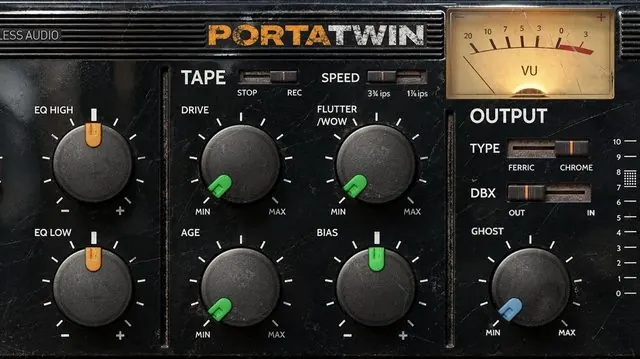
All six for €49PortaTwin
Four-track, 1987
The preamp clips early. The tape wears out. We kept both.
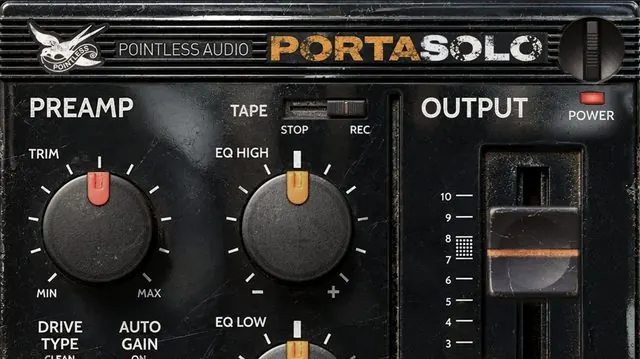
€29BuyPortaSolo
One channel of PortaTwin
One channel. The tape, set once. Free.
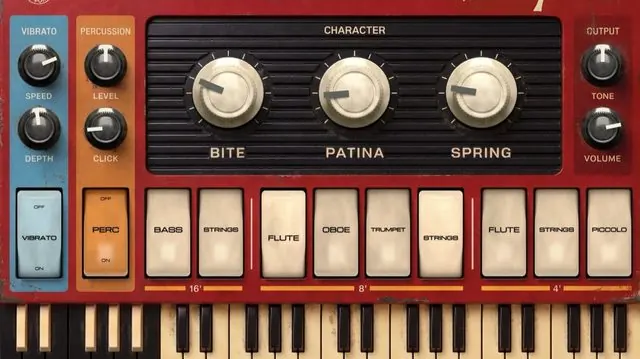
FreeDownloadCompatto
Combo organ, 1960s
We modeled the organ, and the sixty years since.
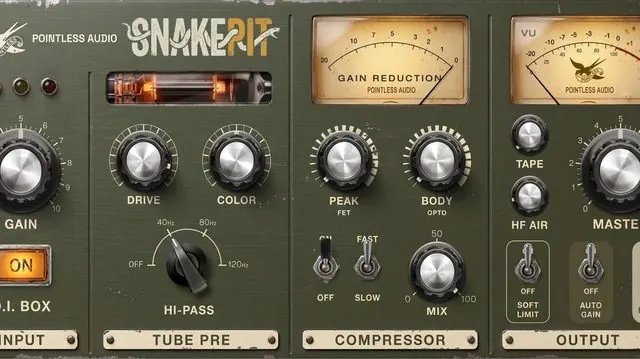
€24BuySnakePit
Tube strip, our own
Detroit-inspired channel strip, from the DI to the output transformer.
€24BuyFerrotank
Spring tank, 1961
Strike, pluck or damp the springs, or play them from a MIDI key. The drip is the point.
€19BuyAlphaRail
Synth preamp, 1971
The 2600’s preamp, rebuilt from the schematic. Free.
FreeDownload